 technicalmonks
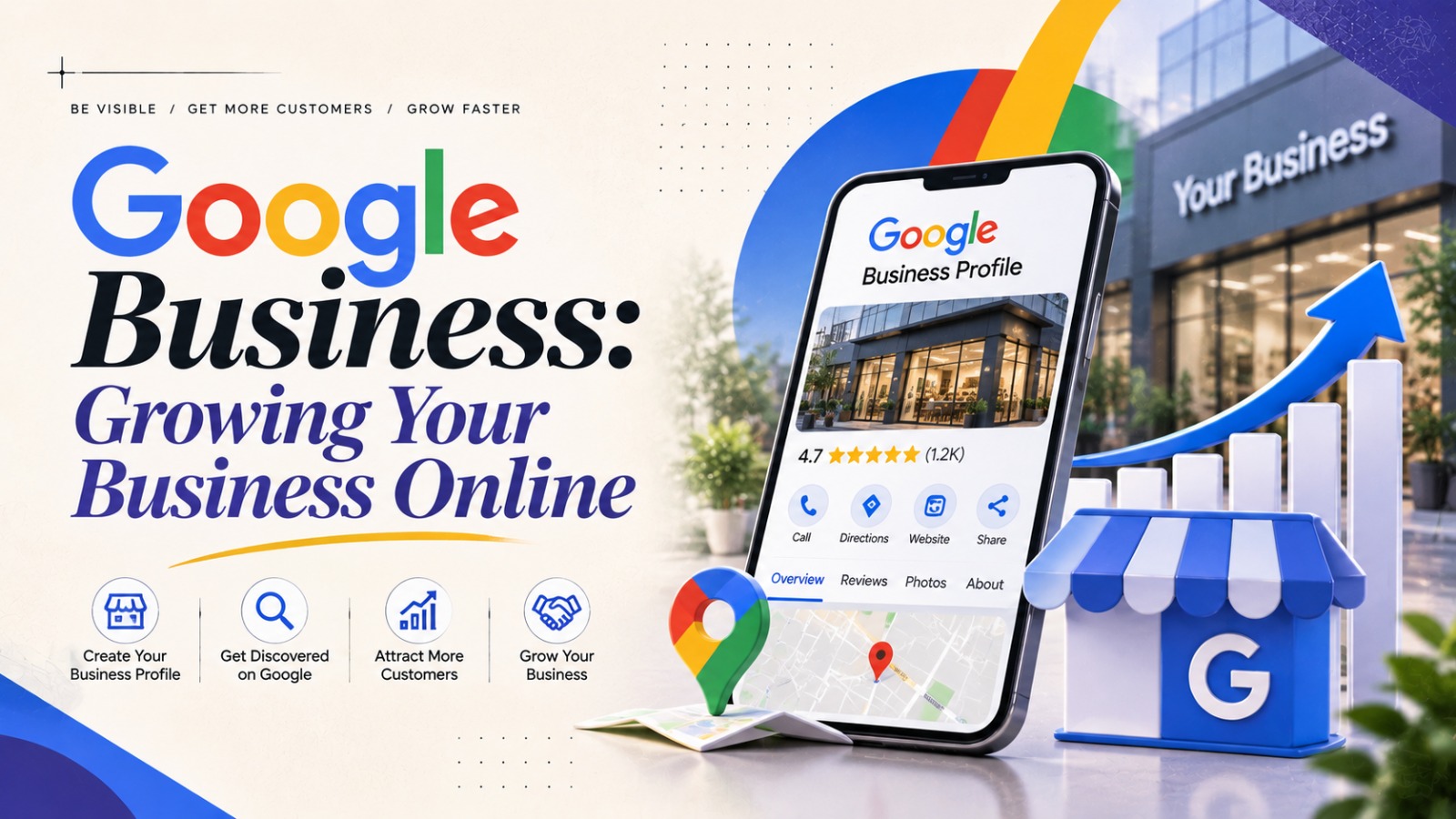
Every business must have an online footprint. Customers now search online first before they buy a product, service, or someone local. This is the time when you need Google Business. We help you get seen on Google Search as well as on Google Maps.
Google Business Profile, which was once called Google My Business, is a free service that lets you control what info about your business shows up on Google. Whatever type of company you own (local shop, services company, or expanding business), it can help boost your online presence and foster consumer confidence.
What Is Google Business?
Google Business Profile is a free listing management platform where business owners can build and control their profile listings on Google. The profile may include details such as your business name, address, contact number, website, opening hours, photos, services, reviews, and more.
In Search and Maps, Google can display a business profile for certain types of searches for a business or related services. Users can view this information at a glance, without needing to visit another website.
For instance, when a user tries to find a local restaurant, repair service, or digital marketing agency, they might stumble upon these organizations thanks to their Google Business Profile.
Benefits of Google Business
An effective online presence means that your business can reach customers at the right time. There are a number of advantages of Google Business that can help your business.
1. Improves Local Online Visibility
Business offers the greatest benefit of visibility: When people type in certain products or services in a location, a profile for the business shows up in the business information of the local search results and Google Maps.
A fully completed and accurate profile gives Google the information needed to accurately assess your business’s presence, services, and location. It does not guarantee Google will use your listing in local search results since prominence, relevance, and distance may also be used.
2. Builds Customer Trust
People search for and rely on reviews and information about a business before choosing one. With a Google Business Profile, customers can review and rate your business.
Responding professionally to positive and negative reviews helps to demonstrate that the business cares about its customers’ opinions. Correct contact information, working times, and authentic photos will also help build trust.
3. Makes It Easier for Customers to Contact You
Google Business offers valuable info to encourage customers to take action. Based on the profile and the features available, users might be able to:
- Call the business.
- Visit its website.
- Find directions through Google Maps.
- Check opening hours.
- View photos and services.
- Read customer reviews.
Saves your customers time & effort to look for you & contact you.
4. Supports Local SEO
What is local SEO? Local SEO is the strategy to ensure that your business ranks well in location searches. Why is Google Business relevant to the local SEO strategy? Google Business provides Google with information about the company.
Businesses should keep consistent contact information, select the appropriate categories, include relevant service information, and keep the profile updated. These will all help Google and potential customers understand the business better.
How to Create a Google Business Profile
Starting a Google Business account is easy. Simply take a few simple steps:
Step 1. Visit Google Business Profile
Visit the official Google Business Profile site. Sign in with your Google account to access your business profile.
Step 2: Enter Your Business Details
Type in your business name and then pick the Business Category that best applies to your Business. Choose the Business Category that best fits your Business.
Step 3: Add Your Business Location or Service Area
If your business receives customers in your building, be sure to list the correct address. Service areas: If you take your business to your customers, add service areas if you serve specific locations.
Step 4: Add Contact Details
Provide your business phone number and website address, if applicable. Ensure that the data is correct and can be immediately reached.
Step 5: Complete Verification
The company can request the verification of your entity with one of the options. Just follow the instructions in your account.
Step 6: Finish and Update Your Profile
Add business hours, services, photos, and other information. When you update your information, review your profile often to make sure it remains accurate.
Tips to Make Your Google Business Profile Better
It all starts with building your profile. Ongoing upkeep can enable organizations to give a superior experience to expected customers.
- Be truthful: Ensure your business name, address, phone number, and opening times are correct.
- Choose categories that accurately fit your products or services.
- Upload clear shots of your location, products, team, or work in progress where you can.
- Ask for honest reviews: Provide genuine customers an opportunity to get a genuine experience of the product by not giving rewards in return for positive reviews.
- Respond to reviews and questions in a courteous and professional manner.
- Publish updates: Take advantage of profile options to share key announcements, special offers, or news about your business.
- Check the report: Look at your available profile performance data to see how customers find and interact with your listing.
Check this also: – Frauds in the Digital Age
Common Google Business Mistakes to Avoid
Others build their profile but neglect to actively maintain it. This can result in stale content and a negative customer experience.
Steer clear of these pitfalls:
- Incorrect pricing, opening hours, or contact details being displayed on your profile.
- Selecting unrelated business categories.
- Using misleading business information.
- Ignoring customer reviews and questions.
- Uploading low-quality or irrelevant photos.
- Listing a business more than once.
- Failing to update your profile when details change.
Comply with the rules of Google. Providing false information, fake reviews, and listing practices can impact the profile and customer confidence.
Conclusion
Google Business Profile is a really useful tool for any company looking to boost its online visibility and reach new customers. It helps showcase your business details, boosts your local SEO rankings, and helps customers find your business.
A profile alone doesn’t get you more customers or higher rankings. The key to being found is providing quality data, honest reviews, helpful photos, and frequent updates.
A Complete Google Business Profile can be a simple way to establish a robust local presence for small and growing businesses.