






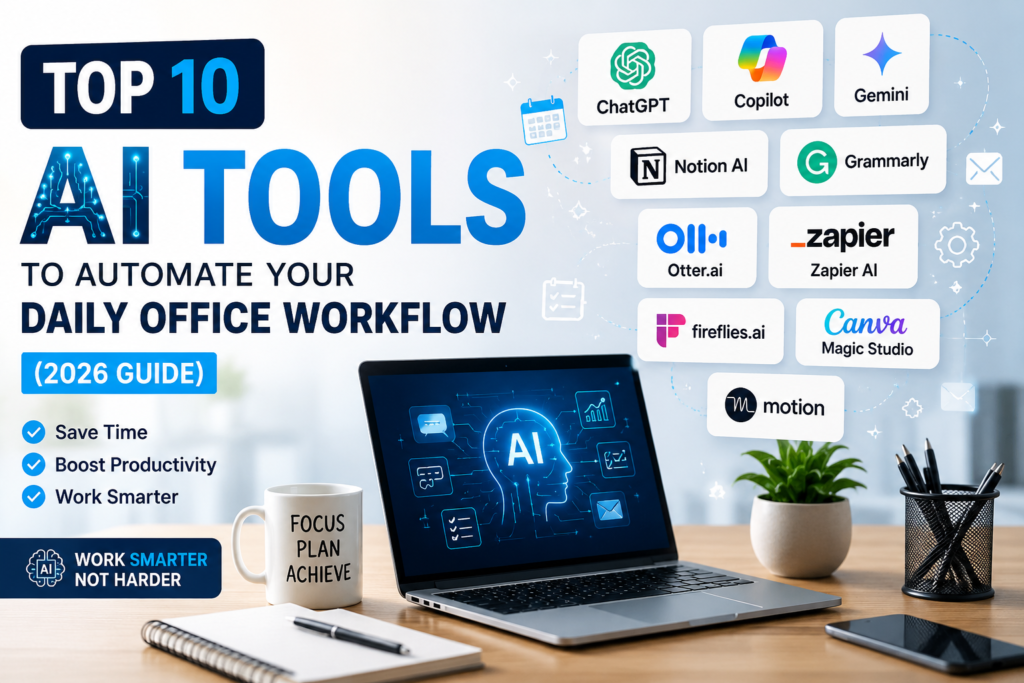


























































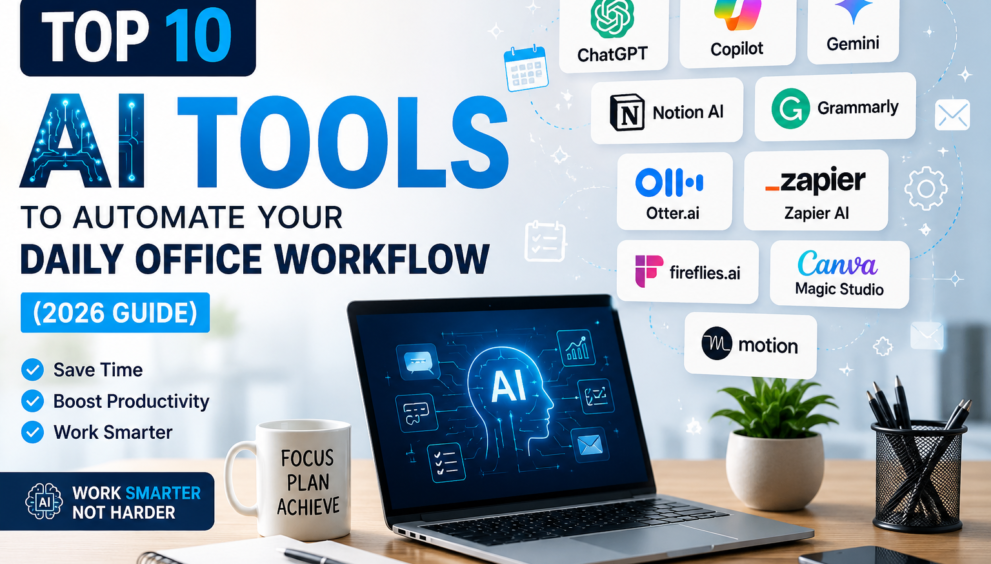
Top 10 AI Tools to Automate Your Daily Office Workflow in 2026
-
- Jun 26, 2026
- 0
- 9 min read

Introduction
AI tools to automate your daily office workflow are transforming how businesses operate. These tools help professionals save time, improve productivity, and automate repetitive office tasks. Examples of these types of AI productivity-enhancing tasks include writing correspondence, scheduling meetings, and managing projects.
Through the use of AI tools, office employees are able to complete their daily workflow faster and with greater efficiency than they would have been able to otherwise. This also provides an opportunity for employees to concentrate on higher-level responsibilities while automation completes lower-level tasks. Ultimately, choosing the right AI software will positively affect productivity and improve teamwork on a daily basis.
Repetitive office activities take up the majority of an employee’s time each and every day. Examples of these types of tasks are responding to emails, preparing reports, creating schedules, and organizing files. While any of these actions need to be done, they each take an inordinate amount of time that could be better used performing higher-level strategic work.
AI productivity tools automate these repetitive office activities at a speed and with accuracy that is beyond the means of humans. This leads to time savings, minimization of human error, and overall improvement in efficiencies across an organization’s workflow.
Also read this : 7 Free Google AI Online Courses To Master Your Skills
1. Chat GPT
AI tools to automate daily office workflow are transforming how businesses operate. These tools help professionals save time, improve productivity, and automate repetitive office tasks. As an office professional, you’ll appreciate how versatile Chat GPT can be as your assistant. You can write emails, prepare reports, summarize long documents, generate ideas, and answer questions related to work. Many companies rely on Chat GPT to get help with coding, providing customer service, or producing written content. Because Chat GPT understands natural language, it makes it much easier for everyone to communicate with one another every day. If you’re an individual—such as a student, freelancer, or small business owner—Chat GPT has the potential to become your own personal productivity assistant.
Key Features
- Email writing assistance
- Report generation
- Content creation
- Research support
- Document summarization
2. Microsoft Copilot
Microsoft Copilot helps companies and organizations that use Microsoft 365 programs, Copilot allows you to work with Microsoft Word, Excel, Outlook, Teams & Power Point without having to switch applications/can complete a task by being directly in any of these formats; analyse spreadsheets, write business emails, summarize meetings, create presentations; all of which will save users time and help them work more efficiently, also reduces the number of repetitive tasks because it is setup to integrate seamlessly.
Companies that use Office have a large advantage making fullest use of this artificial intelligent assistant.
Key Features
- Word document creation
- Excel data analysis
- Outlook email drafting
- Teams meeting summaries
- PowerPoint presentation support
Also Read This : How AI in DevOps Transformation: Trends And Predictions For 2024
3. Google Gemini
The Google Gemini is an amazing artificial intelligence helper that can be used in conjunction with the Google Workspace by business people. The Google Gemini can connect to Gmail, Google Docs, Google Sheets, Google Slides and Google Drive, making daily work much simpler. With the Google Gemini, a person can create email messages, write summaries of documents, organize spreadsheets, and develop presentations by simply providing a few commands. Since all of this will take place inside the Google ecosystem, collaboration will be made much easier for teams working remotely. The Google Gemini is particularly valuable for industries that rely on productivity tools from the Cloud.
Key Features
- Gmail writing assistant
- Google Docs support
- Spreadsheet automation
- AI-powered summaries
- Cloud collaboration
4. Notion AI
Notion AI integrates documentation, project management, and AI functionality into one platform. It allows teams to create meeting notes, organize their projects, generate content, and prepare action plans in seconds. This frees up time that would have been spent formatting documents to spend on executing plans instead. This also helps increase collaboration by providing a means to keep relevant information organized and easily searchable. This is a great option for start-ups, agencies, and remote teams managing multiple projects at once.
Key Features
- AI note-taking
- Meeting summaries
- Task management
- Project planning
- Knowledge organization
5. Grammarly
Grammarly has evolved from being simply a grammar checker to creating an all-in-one AI writing assistant designed to help professionals write better. The program is used to enhance grammar, spelling, punctuation, clarity and the overall structure of sentences as well as provide suggestions on how to convey a tone that is suitable for business correspondence. Grammarly assists individuals with creating polished written documents when they are producing anything from proposals, reports, emails or presentations.
With the assistance of artificial intelligence through grammar enhancements, users will be able to enhance both the professionalism of their writing and also make their writing easier to understand. Therefore, Grammarly will prove to be an invaluable resource for anyone who communicates in writing on a daily basis at their work.
Key Features
- Grammar correction
- Tone improvement
- Sentence rewriting
- Plagiarism detection
- Writing suggestions
6. Otter.ai
Meetings play a significant role in everyday work within an office, but sometimes taking notes during these meetings can be distracting. With Otter.ai’s ability to record conversations, convert audio recordings to text, and create an automatically generated summary of your meeting, your team members will be able to stay engaged throughout the entire discussion rather than spending half of their time writing down everything.
Additionally, by producing searchable transcripts of your recorded meetings, the decisions made in those meetings will be easy to find and review later. This tool is particularly helpful for remote teams who have multiple online meetings on a daily basis.
Key Features
- Live transcription
- Meeting summaries
- Speaker recognition
- Searchable notes
- Action item tracking
7. Zapier AI
By connecting hundreds of apps together without needing to be an expert in programming, Zapier AI automates repetitive business processes. This means that Zapier AI can move data from one application to another, send alerts, and update spreadsheets automatically.
As a result, companies spend less time doing manual labor and more time getting things accomplished. The platform can be used by small businesses and large corporations alike, making it one of the most user-friendly platforms for automating everyday office tasks.
Key Features
- Workflow automation
- App integrations
- No-code automation
- AI workflow builder
- Process optimization
Also Read This : iOS or Android: Which Is the Best Choice for Your Business and Why?
8. Fireflies.ai
Fireflies.ai is a strong meeting assistant that uses A.I. to record conversations and produce transcripts that are accurate. It can automatically find key discussion points, identified actions, and next steps. Business development teams, project managers, and consultants can easily revisit meetings without having to listen to long recordings. Fireflies integrates easily with most of the leading video-conferencing solutions, therefore increasing the efficiency of collaboration between teams. It will also assist in keeping teams organized after a meeting by providing an easy way to stay accountable to one another based on actions discussed during that meeting.
Key Features
- AI meeting recording
- Smart summaries
- Conversation search
- CRM integration
- Follow-up tracking
9. Canva Magic Studio
With the help of industry-leading design technology powerhouses like Canva Magic Studio’s AI engine, it is now possible to create high-quality presentation and marketing items without designing ability. Canva Magic Studio enables users to develop presentations, unique images, social media content, and business documents in just minutes using artificial intelligence. The Canva Magic Studio system allows a user to simply type in what they are looking for and receives a pleasing product design that has been automatically designed to their specifications. Users save much time and have a professional product in their hands. Canva Magic Studio is perfect for anyone in marketing, small business or office personnel.
Key Features
- AI presentation builder
- Graphic design
- Image generation
- Brand templates
- Marketing content
10. Motion
Motion is a scheduling assistant that uses artificial intelligence to assist you in scheduling your working hours based upon both importance and deadline. Motion automatically builds your day into a manageable schedule by using your meetings, tasks and events on your calendar. If your day changes for any reason, Motion adjusts your schedule automatically. Rather than having to individually schedule yourself into each hour, you are now provided with an optimized schedule for the entire day. You can reduce your level of stress and improve your ability to manage your time throughout the week. You can do more in a week than ever before without being stretched too thin.
Key Features
- Smart scheduling
- Calendar management
- Task prioritization
- Deadline tracking
- Daily planning
Benefits of Using AI Tools
Businesses use Artificial Intelligence tools to become productive and save time by avoiding repetitive manual work. Employees are able to dedicate their time more to solving problems, taking care of customers, and making strategic decisions rather than on tasks they repeated daily. Automating processes also creates less error, increased communications among team members, and faster project delivery. Companies that begin using AI tools now will leverage their success over other companies as the use of these tools grows. Even if you only implemented one of the AI tools above, you will see a drastic improvement in your daily productivity.
Conclusion
Artificial Intelligence is changing the way businesses operate today by relieving employees from repetitive tasks and increasing overall operational performance. Each of the ten AI tools listed above will help your team write faster, organize meetings better, manage projects more effectively and save each member of your team countless work hours each week. Choose the one that will help resolve your greatest daily challenge and progressively add to your workflow. By incorporating AI now you will be on the leading edge of productivity, environment and more importantly to the future of work.
Also Read This : 5 Online Safety Tips That Can Keep You Safe From Most Scams And Phishing Attempts