 technicalmonks
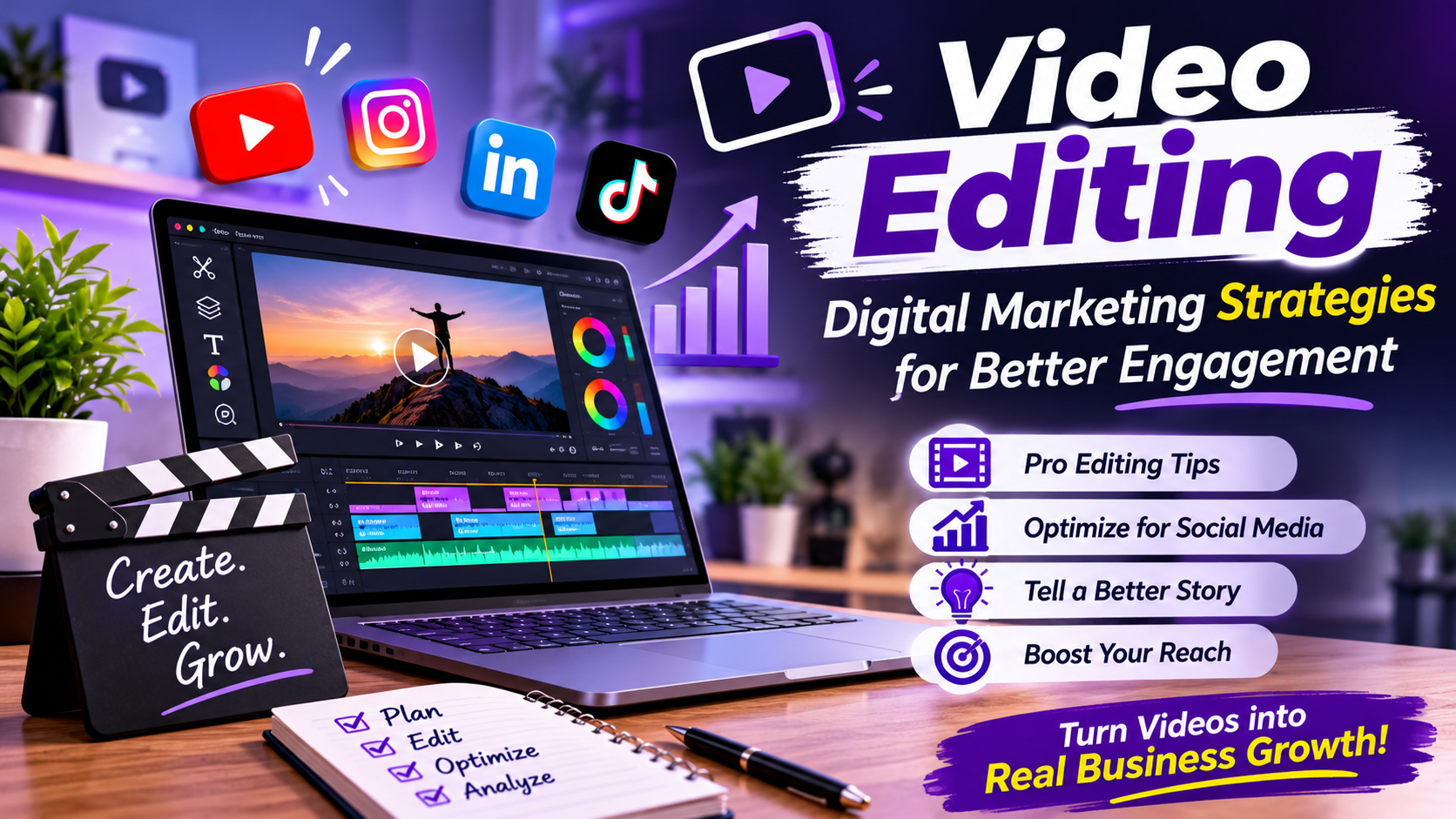
Videos are a powerful way for businesses to communicate in today’s digital world. Video content, like promotional videos, how-to videos, entertainment videos, and social media videos, allows brands to deliver their message and reach prospective customers. How you edit your content can make or break how your audience perceives and feels about your messaging – so much so that, in many cases, editing can be the single factor that makes a difference.
In today’s digital marketing landscape, video editing is essential because it takes a collection of recordings and turns them into a well-structured and attractive presentation that is capable of conveying a message to a targeted audience. Video editing involves using various visual components, sound, captions, and narration to produce the final product.
A comprehensive editing strategy also ensures that brands remain consistent across platforms, providing information in formats preferred by the audience.
What Is Video Editing in Digital Marketing?
Video editing is the process of preparing and rearranging video shots and video clips in the right order. It can include adding audio, color grading, inserting titles and transitions, and other enhancements.
Within digital marketing, editing has many more functions than simply enhancing the visual component. It is a way of conveying to your audience the meaning of your business, emphasising key features, and directing the viewer’s actions.
For instance, an online retailer can compile close-ups of products, customer reviews, and demonstrations into a promotional video with captions describing each. A tech firm might take video of its software in use and edit that footage into a tutorial that shows people how the software works.
The message of the video must be interpreted but still maintain the visual concept of the brand.
Importance of Video Editing in Digital Marketing
Everyday audiences are faced with a barrage of online content. Companies are therefore seeking videos that can both deliver content and keep their attention.
Editing – A professional edit can help cut out footage that is not needed, structure the content, and provide a much more refined experience to the viewer. Editing enables the marketer to highlight certain sections of the video using credits, background music, effects, and relevant scene transitions.
A third benefit is increased brand consistency. Incorporating recognizable colors, fonts, logos, and visual styles throughout a marketing video allows viewers to become familiar with a business.
Edited videos may be required for different marketing strategies such as website traffic, product branding, social media, and customer training.
7 Effective Video Editing Strategies for Digital Marketing
1. Start With a Clear Marketing Objective
Video marketers should define their marketing goals before editing footage. Every marketing goal has a different approach to editing it.
An effective product commercial can have attractive visuals, fast-paced action, and a simple buying message. An educational tutorial can require slower speed, readable instructions, and in-depth details.
In the same vein, storytelling and presentation of the company’s business identity.
Having a purpose in mind enables editors to narrow down their footage, choose a video’s length, and decide what message should be emphasized.
2. Optimize Videos for Different Social Media Platforms
All platforms have varying video formats and provide different ways to consume the content. One video can require a number of edits to make it suitable for use on different channels.
For instance, Instagram Reels and Shorts on YouTube typically feature vertical video, in contrast to the horizontal videos seen on YouTube.
Users also need to check the aspect ratios, caption placement, and their sizes- platform-specific formats at the time of editing.
Developing separate versions for each platform also protects against the risk of critical details being cut off or obscured behind UI controls.
The message should be adapted and not just uploaded somewhere identical.
3. Use Captions and On-Screen Text Effectively
Captions are helpful for people watching a video when there is no sound. Captions also help people who like to have sound and text together.
On-screen text can be used to point out specific features of a product, define technical terminology, show key statistics, and denote distinct sections of a video.
Secondly, the text should stay legible and should not hide important visual areas.
Use a uniform font, text alignment, and contrast to give it a professional look. Precise subtitles are invaluable for tutorial videos, educational videos, marketing videos, and interviews.
4. Improve Visual Quality Through Color Correction and Audio Editing
A clip’s visual and audio quality determines how viewers react to marketing videos. Color correction is used to ensure uniformity in brightness, contrast, and color tonality.
Color grading can further reinforce a distinct visual style for a brand.
Audio editing is just as significant. Poor audio quality, background noise, abrupt volume changes, and unclear speech can make a video that has useful information unwatchable.
Editors should strike a balance between the dialogue, background music, and sound effects, as well as making sure the key spoken words are audible.
They contribute to a more professional presentation, and go easy on ‘visual effects’ that have little purpose.
5. Use Storytelling to Communicate Brand Messages
Meaningful marketing videos deliver information in a logical order. Storytelling is the means to organise information so the audience can both see the subject and retain the key message.
A straightforward outline begins with an issue, provides an answer, offers advantages, and ends with an appropriate call to action.
For instance, a web design company could display typical website issues, explain their services, and illustrate how a better website can improve customer communication.
Building this order is made easier through editing by choosing appropriate scenes and scene types, managing pace and flow, and ensuring seamless continuity between sections.
6. Create Multiple Content Formats From One Video
Companies that have existing video assets can use that footage to speed up their production process.
A comprehensive demonstration of a product may be edited into bite-size social media videos, publicity commercials, short instructional segments, and website materials.
A longer educational video can also be repurposed into pieces of shorter educational videos with the same information.
This enables organisations to have consistent posting schedules without having to reshoot totally new videos for each campaign.
But each should be tailored for the platform and audience it was intended for rather than cut out scrap from the original recording, in fact.
7. Analyze Performance and Improve Future Videos
Video edits should take into account audience reactions and campaign metrics.
Advertisers have the ability to monitor activity on published videos, including watch time, audience retention, engagement, click-through rates, and conversions.
If you discover that people tend to exit the recording during long introductions, you could show the primary subject earlier in later edits.
If a product demo receives more engagement than an ad-style marketing clip, companies have the opportunity to put together a larger amount of evidence-based demo material.
Video insights allow the marketing team to enhance the structure, presentation, and messaging of videos in response to the way they are being used.
Top Video Editing Software for Digital Marketers
Many editing apps have features that are good for various marketing needs.
Adobe offers features such as advanced editing capabilities, color correction, audio tools, and other professional video production features.
Video Editors: DaVinci Resolve – Includes features for video editing, color grading, visual effects, as well as audio production.
CapCut: Offers easy editing tools with captions and transitions in formats that are compatible with social media.
Canva: Designed to assist companies in developing videos, branded images, and basic marketing presentations.
Which one you should use is determined by the project complexity, your resources, your editing skills, and your production needs.
How Artificial Intelligence Is Changing Video Editing
AI is bringing new opportunities for workflows in video editing and production. For example, applications running AI can automatically generate captions, edit backgrounds, recognize scene changes, enhance sound, and identify appropriate clips.
Some also have auto-reframe, which lets marketers reuse existing footage for other formats.
Together, these features can cut down on the most monotonous parts of editing, enabling smaller marketing teams to create content more rapidly.
Why you should use human editors: Automatically edited text will not be a substitute for creative editing. Human editors are still needed to preserve the message, natural nature of the story, cohesiveness with the brand, and visual presentation of the story.
More Like This :- Click
Conclusion
Video editing plays a vital role in an effective digital marketing strategy as it allows your business to bring actual recordings to life. By optimizing platforms, adding captions, enhancing audio, telling stories, repurposing content, and conducting performance analysis, your brand can better convey its message through videos.
Selecting the appropriate editing tools and knowing what your audience prefers will assist businesses in providing consistent quality content across various digital media.
In the end, the number of effects and transitions used does not matter for a video marketing campaign. What matters is how well the video tells what it’s supposed to, providing value, and helping you accomplish your overall marketing objectives.